
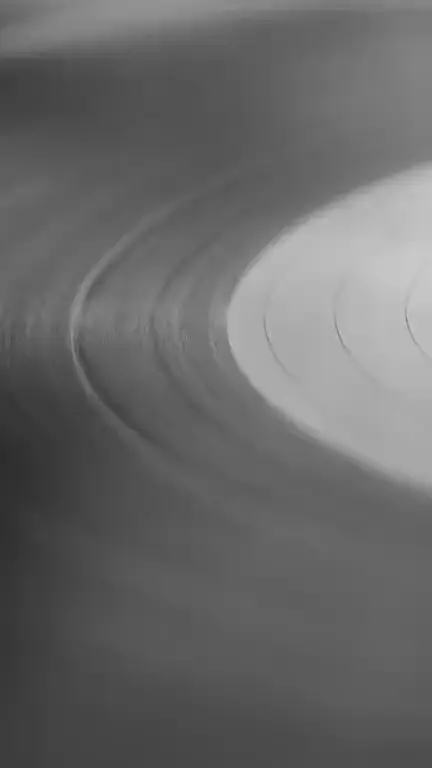
Film grain · 9:16
Spinning vinyl loop template
The spinning vinyl loop template turns the record in your image slowly on its platter and lays soft film grain and a warm flicker over the frame, for a retro loop that feels like a listening session. It opens the generator with the Film grain style and this instruction, so you only preview the framing and generate.
Prompt
The vinyl record turns slowly and evenly on the turntable while the tonearm, sleeve and everything else stay still. Soft film grain covers the frame with a gentle warm flicker. Keep the record label legible and perfectly round; the turntable does not wobble.
Prompts are written in English because the model follows English instructions most reliably.
This one needs a record in the picture. A photo of a turntable from above, a hand-drawn deck, a sleeve with the disc sliding out, or a still life with a stack of LPs all give the model a clear round object to rotate. It suits artwork for vinyl releases, reissues, DJ mixes, record-store days and any cover that leans on analog nostalgia.
Two things happen together. The record turns at an even, slow speed while the tonearm, sleeve and table hold still, and the Film grain style lays fine grain, a faint flicker and a little warmth over everything. Unlike the vintage film grain template, where only the surface of the image changes, here one object really moves, so the loop has a clear center of attention.
Rotation is among the harder motions for an image-to-video model, and the clip must come back to your exact image, so the record may turn only part of the way and ease back into position at the seam. A plain or symmetrical label hides this best; printed text or a photo on the label can smear as it turns. A record seen at a steep angle may stretch out of round. If there is no record in your artwork, this template has nothing to spin, so choose vintage film grain instead.
Best for
- Vinyl release and pre-order announcements
- Soul, funk, jazz and disco reissues
- Hip hop beat tapes and crate-digger artwork
- DJ mixes and radio shows
- Retro, analog-themed covers
Tips
- Shoot or draw the turntable from straight above if you can. A record seen face-on rotates far more cleanly than one in steep perspective.
- If your title is printed on the label, change “turns slowly” to “turns very slowly” so the text has a better chance of staying readable.
- For a cleaner, less vintage result, change “soft film grain” to “very light grain”; the Film grain style still adds some texture on its own.
- Pick 7 seconds in 9:16 or 8 in square, so the record has more time to turn before the loop point.
- Make a square 1:1 version for release posts in social feeds and keep the 9:16 version for the Canvas itself.
Uses 1 credit per loop, 720p MP4, no audio
Every upload and result is checked for unsafe content. Real people are animated only with their permission, and nobody is made to talk or sing.