
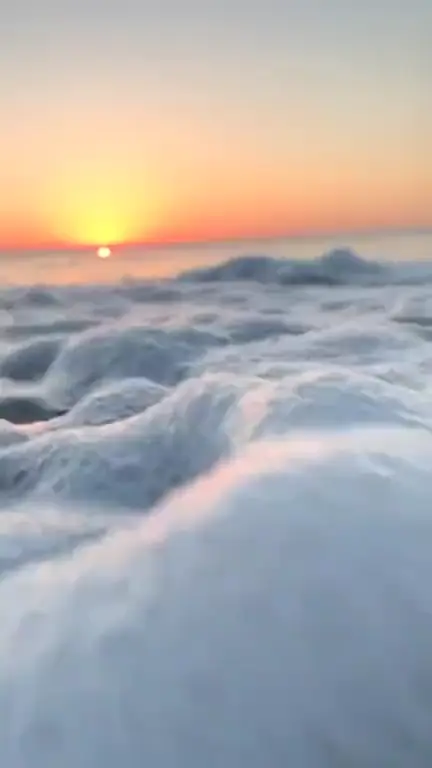
Wind & clouds · 9:16
Ocean waves loop template
The ocean waves loop template animates the sea in your artwork: waves roll in, foam spreads up the sand and slides back, and light glitters on the surface while the horizon holds still. Load it with the Wind & clouds style chosen, check the framing, then generate.
Prompt
Waves roll in and wash up the shore in a slow, regular rhythm, foam spreading and pulling back. The sea surface glitters where the light hits it and the sky drifts slightly. The horizon stays level and fixed; rocks, sand, boats and people stay still.
Prompts are written in English because the model follows English instructions most reliably.
Coastal images are what this template expects: a sunset over the sea, surf breaking on a beach, a pier, rocks with spray, a figure standing at the waterline, or an illustration of a calm bay. The closer the waves are to the camera, the more obvious the motion. A distant sea seen from a cliff will mostly glitter, which can be beautiful too, but gives a quieter result.
Wind & clouds is the base style, so on top of the water you may see clouds sliding a little and grass or hair moving in a light breeze. The instruction puts the waves first: they come in at a slow, regular pace, foam fans out and draws back, and highlights sparkle on the surface. The horizon line is kept level and fixed, which matters, because a tilting horizon is the first thing a viewer notices on repeat.
A loop of 4 to 8 seconds has room for only a wave or two, and because the clip must land exactly on your image again, the last wave sometimes softens or slows near the seam instead of finishing. Rough, chaotic surf is harder to loop than a gentle swell. The sea also moves without sound, since every loop is silent, so the music has to carry the mood.
Best for
- Chillwave, tropical house and summer pop
- Surf rock and beach-themed releases
- Ambient and relaxation tracks
- Sunset and coastline photography
- Songs about distance, travel or longing
Tips
- Use the longest length the format allows (7 seconds for 9:16, 8 for the others) so a wave can complete its run.
- For a calm sea, change “roll in and wash up the shore” to “a gentle swell rising and falling”; for surf, write “waves break in white foam close to the shore”.
- Straighten the horizon before you upload. A slightly tilted horizon becomes very visible once the water moves.
- To fit a landscape photo into 9:16, Fit + blurred edges keeps the whole shoreline, while Fill and crop with the crop position moved down gives the waves more of the frame.
- For YouTube or a stream, switch to 16:9 widescreen and repeat the loop in a video editor to make it as long as you need.
Uses 1 credit per loop, 720p MP4, no audio
Every upload and result is checked for unsafe content. Real people are animated only with their permission, and nobody is made to talk or sing.